Widgets
This feature is available in the Pro plan.
Learn how to design widgets for your chat experience.
Widgets are the containers and components provided by ChatKit. Use prebuilts, tweak templates, or design your own to fully customize ChatKit in your product.
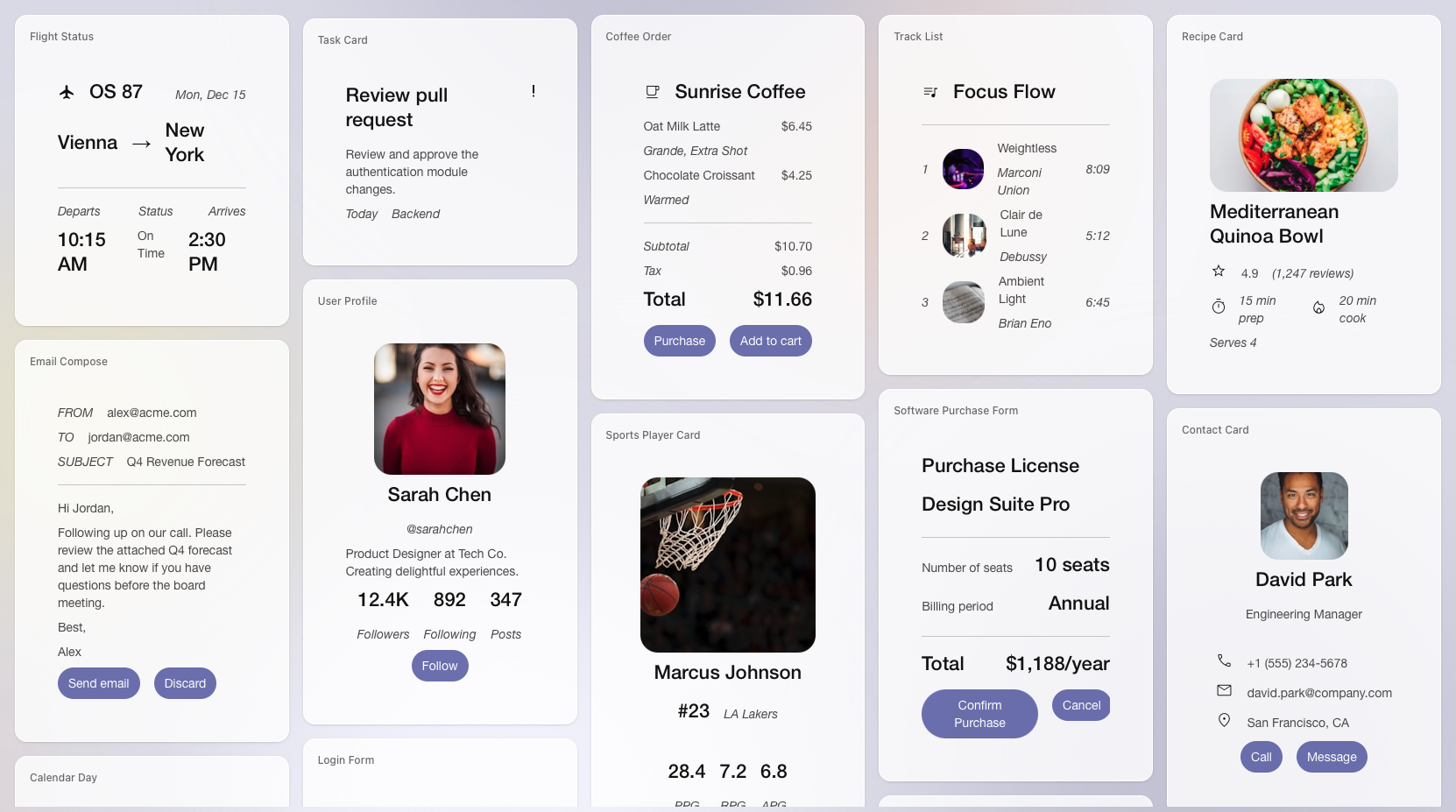
Quickly design widgets
Use the widget builder in A2UI Widget Builder to experiment with card layouts and list rows, and preview components. Once you like the design, copy the generated JSON into your integration and serve it from the backend.
Widget middleware
With middleware, the model can return ChatKit widgets via tool calls or structured outputs for the frontend to render. Use middleware to dynamically change widget content, style, or behavior based on user context or preferences.
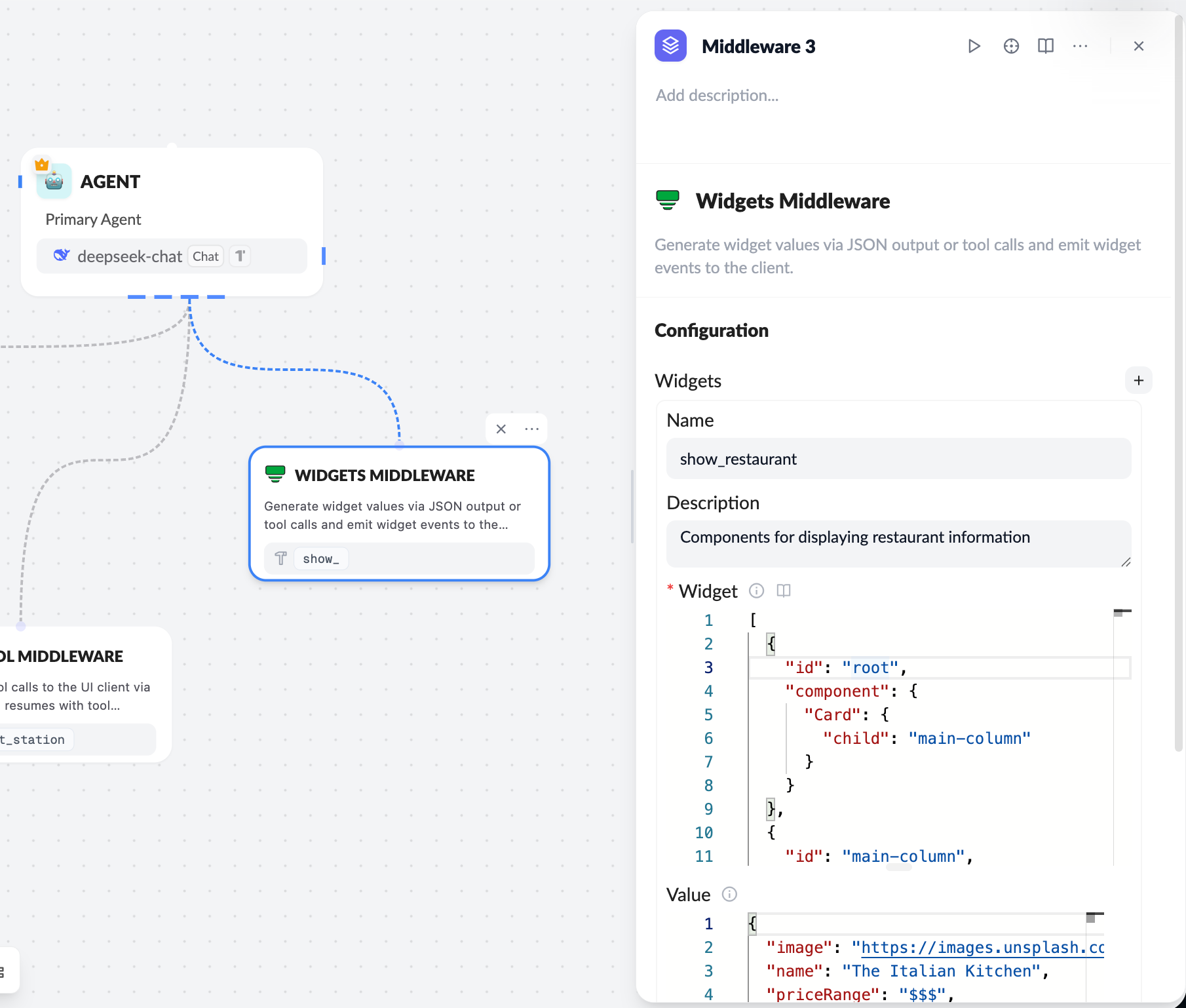
ChatKit widgets can surface context, shortcuts, and interactive cards directly in the conversation. When a user clicks a widget button, your app receives a custom action payload so your backend can respond.
Handle actions on the server
Widget actions let users trigger logic from the UI. Bind actions to widget node events (such as button clicks) and handle them on the server or client integration.
Use the widgets.onAction callback (or the equivalent React hook) to capture widget events. Forward the action payload to your backend for processing.
chatkit.setOptions({
    widgets: {
        async onAction(action, item) {
            await fetch('/api/widget-action', {
                method: 'POST',
                headers: { 'Content-Type': 'application/json' },
                body: JSON.stringify({ action, itemId: item.id }),
            });
        },
    },
});
Wrap-up
ChatKit widgets give your chat app rich display and interaction options. By combining prebuilts, custom designs, middleware, and action handling, you can create highly personalized and dynamic user experiences.
Learn more about the A2UI spec.